Product Overview
SPECIFICATIONS
AI voice control: Need to purchase additional activation code
Application Of Floating Window: Support
Brand Name: srnubi
Built-in CD player: no
Built-in DVD Player: no
Built-in Screen: Yes
Category: Car Multimedia Player
Certification: CE,weee
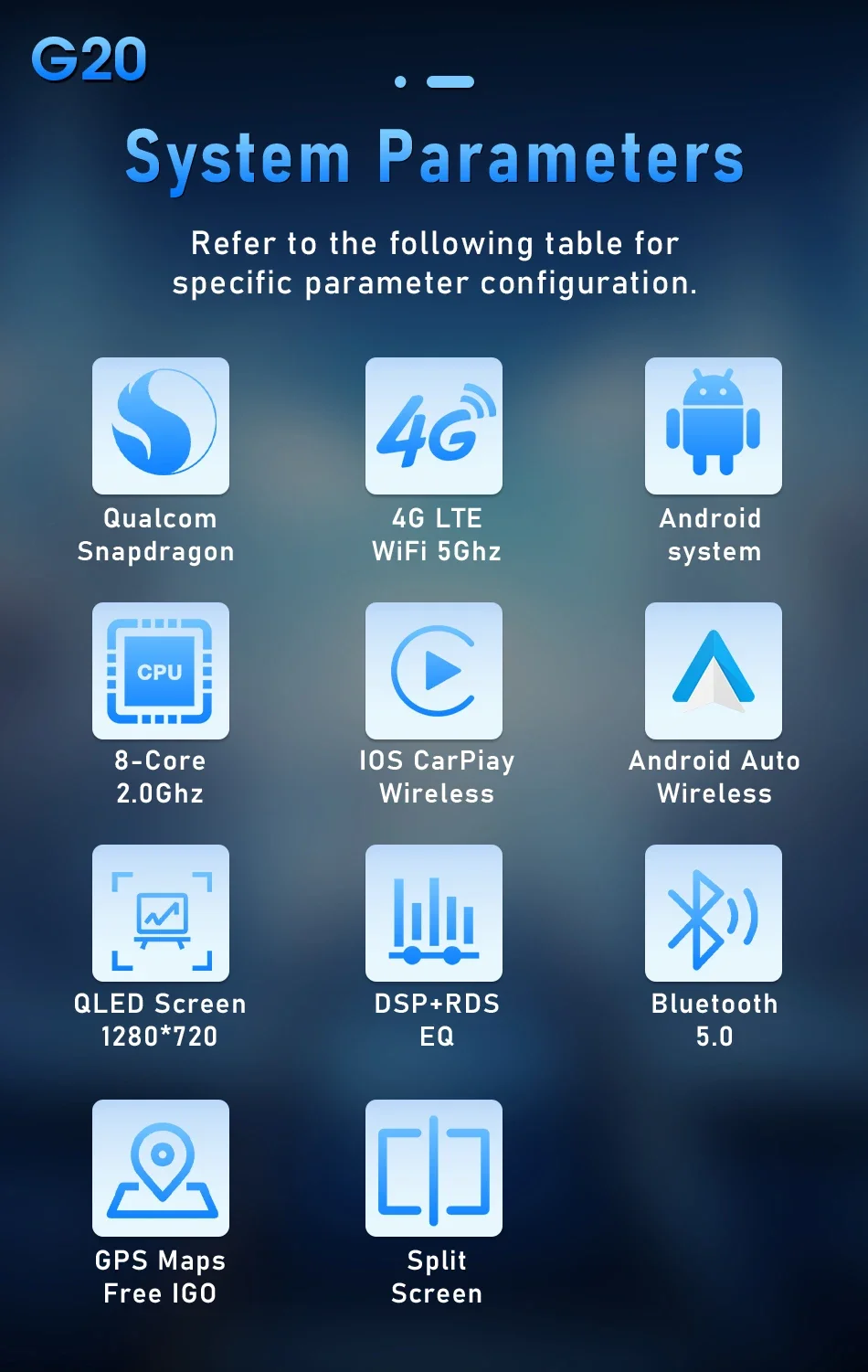
Chipset: 8 Core(2*A75+6*A55)
Color change of button light: Only for T10 G20
Connect External Microphone: Support
Connect To USB ADAS DVR: Support
Connect USB TPMS: Support
Digital Media Format: Mp3,MP4,WMA,JPEG
Din: Double Din
Display Size: 10"
For Vehicle Brands/Model: PEUGEOT
Including Frame: YES
Interface: USB
Is touch screen: Yes
Item Size: 24cm*20cm*12cm
Item Weight: 1.7
K3: NO Carplay NO Android Auto
Material: Metial+Plastics
Max External Memory: 128G
OSD Language: Chinese (Simplified),Chinese (Traditional),Azeri,Irish,Belarusian,Polish,PERSIAN,German,Russian,French,Filipino,Finnish,Korean,czech,Romanian,Malay,Macedonian,Portuguese,Japanese,Serbian,THAI,Turkish,Ukrainian,Hebrew,Greek,Spanish,hungarian,indonesia,English,Vietnamese
Origin: Mainland China
Out Power: 4*50W
Preset Station: Modifiable
Processor Speed: 2.0Ghz
Processor Type: Qualcomm
RAM: 8G/6G/4G/2G/1G
ROM: 128G
Rear View Camera: Support
Resolution: 1024*600/1280*720
Special Features: Built-In Speaker/Microphone,wifi function,Support 4G Network,Support Can-Bus,Charger,MP3 players,Voice Control,dsp,CarPlay,android auto,Reversing Input,Split Screen,Support steering wheel control
Split Screen: Support
Steering Wheel Control: Support
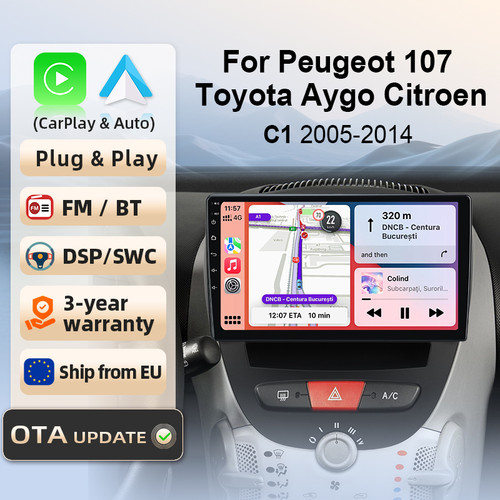
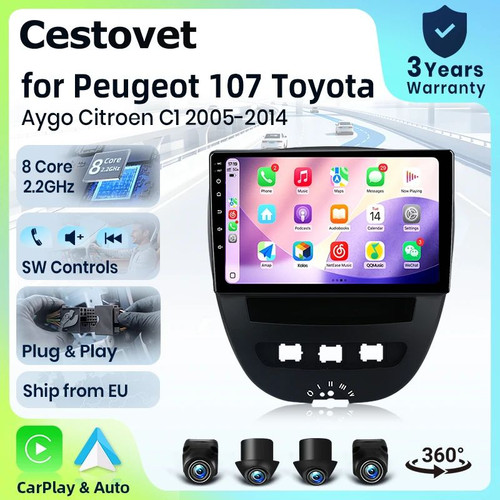
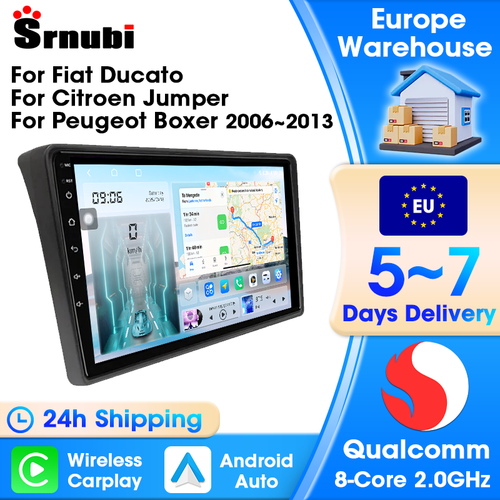
Suitable Vehicle Type: For Peugeot 107 Toyota Aygo Citroen C1 2005-2014
TF/Micro SD Slot: 1
Tuner Type: FM+AM
Voltage: 12 V
Warranty: 365 Day
Wireless Android Auto: Only for T3L plus T6C T10 G20
Wireless carplay: Only for T3L plus T6C T10 G20

For Toyota Aygo 2005 2006 2007 2008 2009 2010 2011 2012 2013 2014
For Citroen C1 2005 2006 2007 2008 2009 2010 2011 2012 2013 2014
For Peugeot 107, Citroen C1, Toyota Aygo cars, there are different cable types. Our equipment provides all the above types of power cables. The cables are plug and play and compatible with all the above car models.


Outstanding Performance Powered by Advanced Chips

Enhance your driving experience with our Android radio's Day and Night modes. During daylight, the mode brightens the display for clear visibility, while at night, it switches to a softer, darker theme to reduce glare and ease the strain on your eyes, ensuring safer and more comfortable driving, no matter the time of day.


Use your phone in a smarter, safer way while you drive. Get directions, make calls, send and receive messages, and enjoy your favorite music. Siri & Google Assistant can help you do all of these things. All you have to do is ask.

You can use the vehicle's steering wheel buttons to answer and end calls, play music, switch modes and much more, so that you can focus on your driving.

g20 series radios have been upgraded to automotive grade fans: built-in fans! Installation is simpler and more aesthetically pleasing. Its cooling effect will be better.Respond to and solve the abnormal operation caused bythe high temperature and long-term use of the machine insummer, such as restart, abnormal touch, abnormal funct-ion, etc...


Equipped with the latest Android system, this car stereo lets you download, install, and delete thousands of applications. It includes built-in offline maps, and with a WiFi/hotspot connection, you can use online maps as well. Additionally, the left and right screens can operate independently with different applications—for example, navigation for the driver and video playback for the passenger, or one side can listen to music while the other uses ADAS DVR functions

DSP is a powerful tool that optimizes sound quality and adapts to various environments. It fine-tunes audio parameters like equalization, bass filtering, and sound folding, ensuring optimal sound performance tailored to your car and speaker setup.

Bluetooth 5.0: Ultra-long-distance reception of Bluetooth signal, stable signal, anti-interference
Support Bluetooth connection, dial Bluetooth phone, built-in microphone of the radio, even if the surrounding environment is noisy, the radio supports external microphone connection, which can still guarantee your call quality.
Unlike models limited to WiFi, this radio allows you to stay connected even when you're out of range of WiFi signals, providing continuous access to internet-based services such as streaming music, real-time navigation updates, and voice commands. This ensures that drivers can enjoy uninterrupted entertainment and vital travel information, enhancing both the safety and enjoyment of their driving experience.
Only the T10 and G20 series products support button-adjustable colors, and there are 7 different colors available for your selection.


FAQ:
QWhy doesn't the machine I received support the CarPlay function?
1.Q:Why did I receive the wrong machine?
A:1,When you place an order, you need to click the options. The default option is the lowest configuration.
2.,When you are making the options, please carefully review the option parameters and configuration information.
2.Why can't turn on the car radio ?
2.1 Check the radio fuse: You can use an electric pen or a multimeter to test if the fuse is functioning properly. If you don't have these testing tools, you can remove the fuse and visually inspect if it has blown. If the fuse is damaged, replace it to restore normal operation.
2.2 If the fuse is normal, check the red ACC wire: Locate the G3 red ACC wire. You can use an electric pen or a multimeter to test if the voltage of the ACC wire is between 12V - 14V. If you don't have these testing tools, follow the steps below:
(1) Locate the G2 yellow B+ wire and the G3 red ACC wire (details of different cables can be found in the 1.2 wiring diagram);
(2) Connect the G3 ACC wire to the G2 B+ wire to obtain 12V of ACC wire power (please refer to the picture on the right side above).
If you don't have these testing tools, follow the steps below: (1) Locate the G2 yellow B+ wire and the G3 red ACC wire (specific details of different cables can be found in the 1.2 wiring diagram); (2) Connect the G3 ACC wire to the G2 B+ port, so that the ACC wire can obtain 12V power (please refer to the picture on the right side above).
2.3 After checking the fuse and the red ACC wire according to the above two steps, if both have 12V power supply but the device still cannot start, please contact our customer service staff.
3.Why the car radio will show "No Signal" when we reversing?
Please check if the camera's line is properly connected to the car radio. Note:The video port of rear camera must insert the "CAMIN" port of car radio.
4.Why does the camera display "!" and "Can't watch video while driving" when I use USB to watch videos?
Please turn off the "Video Warning" function in the settings,then will be OK.
5.Why can't search FM?
5.1: No radio antenna inserted;
5.2: Please check if the radio antenna is plugged in. Please insert more antennas several times to make it well contacted;
5.3: The signal of your location is not good. Please go to a better place to test again
5.4: The radio antenna on the car is broken/no effect; please replace the radio antenna and test again.
6.Why can't connect the Bluetooth of car radio?
6.1.Open the phone settings interface, open the Bluetooth in the Bluetooth function, search for Bluetooth devices, find the player's Bluetooth model to be paired; if you need a pairing code, enter 0000; if not, try 1234 or 123456.
6.2.Please try to use another mobile phone to test this function. Please check if the Bluetooth receiving antenna is properly connected All methods are correct and still cannot use Bluetooth, Please unplug the plug on the back of the player and plug it in after 3 minutes.
7: Bluetooth signal is weak, WiFi signal is weak:
please check and reconnect the Yellow rear Camera input connector, there are 2 short cables, they are the extension cords of the Bluetooth antenna and the WiFi antenna, or you can extend them to enhance the signal.
8: The navigation map does not work,
check whether the GPS has a signal, click GPS signal detection, if there is a signal, then reinstall a new map or open the mobile WiFi hotspot. If there is no GPS signal, leave the garage and test the GPS interface voltage on the road. The voltage must be 3.3V, otherwise the GPS antenna should be replaced.
9: The screen display is abnormal,
click the one-key recovery button, if it can't be solved, remove the screw on the back, check whether the screen cable is loose, and reconnect the screen cable.
10: Abnormal sound:
1 Check whether the original car cable has been modified by another car owner. If so, please check the speaker cable and reconnect it.
2 Check whether there is an original car or a modif
11:Radio setting interface password:
T6 password: 111333, 1234, 1617, 16176699
K3/T10/T3L/T3L plus: 123456,8888,7890,000000
Programmer interface password: 7890 plus current time. For example, at 11 o'clock it is 789011. If it is 12 o'clock, it is 789012