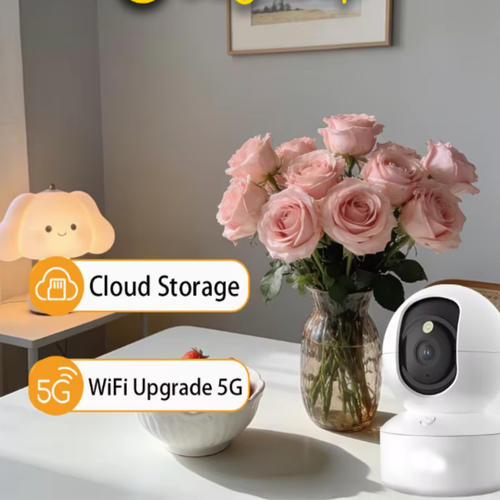
Product Overview
SPECIFICATIONS
AI Functions: Motion Detection
APP: cam720
Alarm Action: Local Alarm
Alarm Type: FTP Photo
App name: Other
Audio Output: Two Way Audio
Brand Name: Lenovo
Camera Stabilization: NONE
Certification: CE
Choice: yes
Color Night Vision: Yes
Connection Modes: 2.4g Wifi / Wired Connection
Connectivity: WIFI(2.4GHz)
Dimensions (L x W x D)(mm): 90*140*190mm
Feature: 4 in 1 view
High Definition: 5.0 Megapixels
High-concerned chemical: none
IP Rating: IP66
IR Distance(m): 0-10M
Installation: Wall Mounted,Pendant Mount,Vertical Pole Mount
Internal Storage: None
Lens (mm): 4mm
Lens Quantity: Single Lens
Megapixels: 5 MP
Minimum Illumination(Lux): 0.001
Movement Range(Pan): 0°-360°
Movement Range(Tilt): Other
Network Interface: RJ-45 10/100Mb Ethernet Slot
Night mode: Color Night Visioin/Normal night vision/Timed full color
Operating Temperature: -25°-60°
Optical Zoom: NONE
Origin: Mainland China
Power Consumption(W): 7.5W
Power Mode: Mains Electricity
Power Source: Normal
Power Supply: Normal
Power Supply(V): DC5V1.5A
Rechargeable Battery: NONE
SD card: UP to 128GB
Scene: Indoor and outdoor
Sensor: CMOS
Sensor Brand: SmartSens
Shell Material: Plastic,Plastic
Smart Playback: Select time to play
Smart home platform: NONE
Special Features: Waterproof / Weatherproof,Waterproof / Weatherproof
Style: Dome Camera
Supported Mobile Systems: Android,iOS
Supported Operating Systems: No
TF Card: None
Video Compression Format: H.264
Video Storage: SD card&cloud storage
Viewing Angle : 107°
Whether or Not 50Vac or 75Vdc or Higher Power Supply: No
Zoom: 5x
Zoom type: Digital zoom
is_customized: No
semi_Choice: yes
Product Specifications
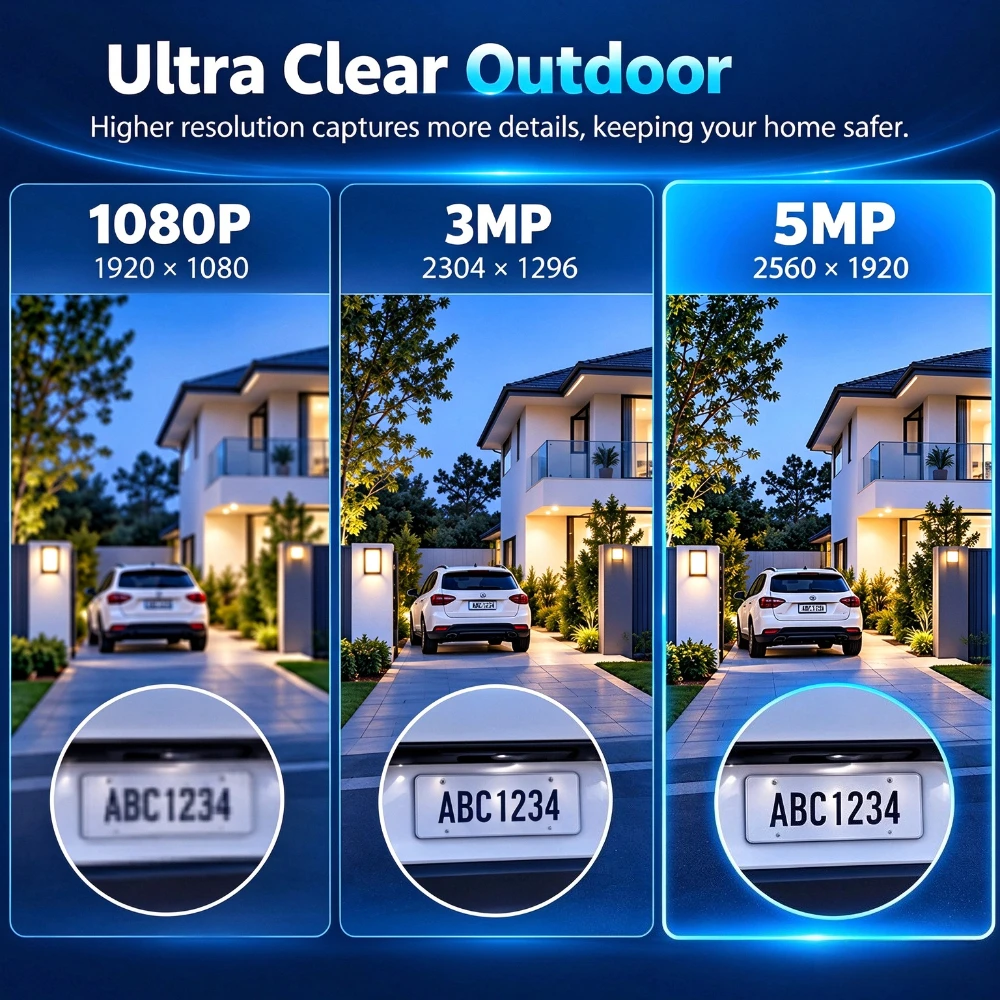
●Image Resolution: 5MP
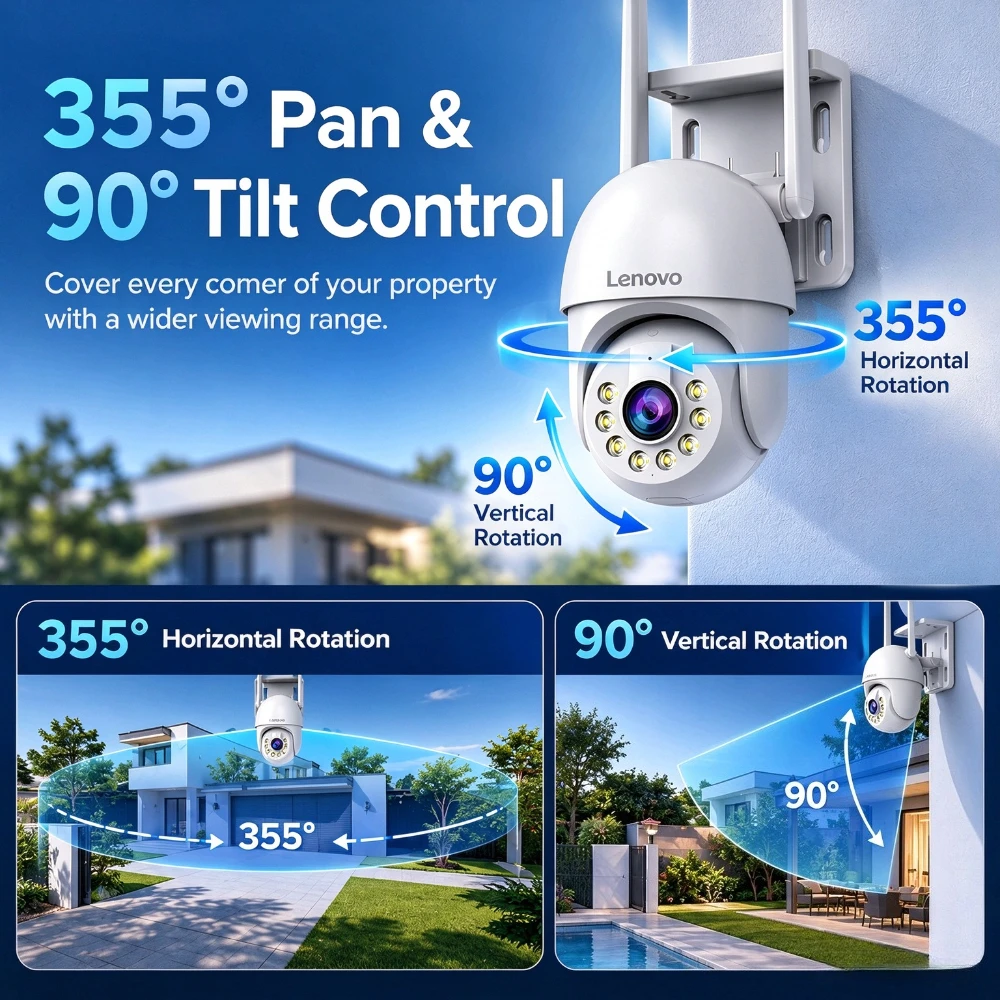
●Horizontal Rotation: 355°
●Vertical Rotation: 90°
●Digital Zoom: 5X
●Connection Methods: 2.4Ghz WiFi, Wired Network, AP Hotspot
●App: Cam720
●Audio: Two-Way Audio
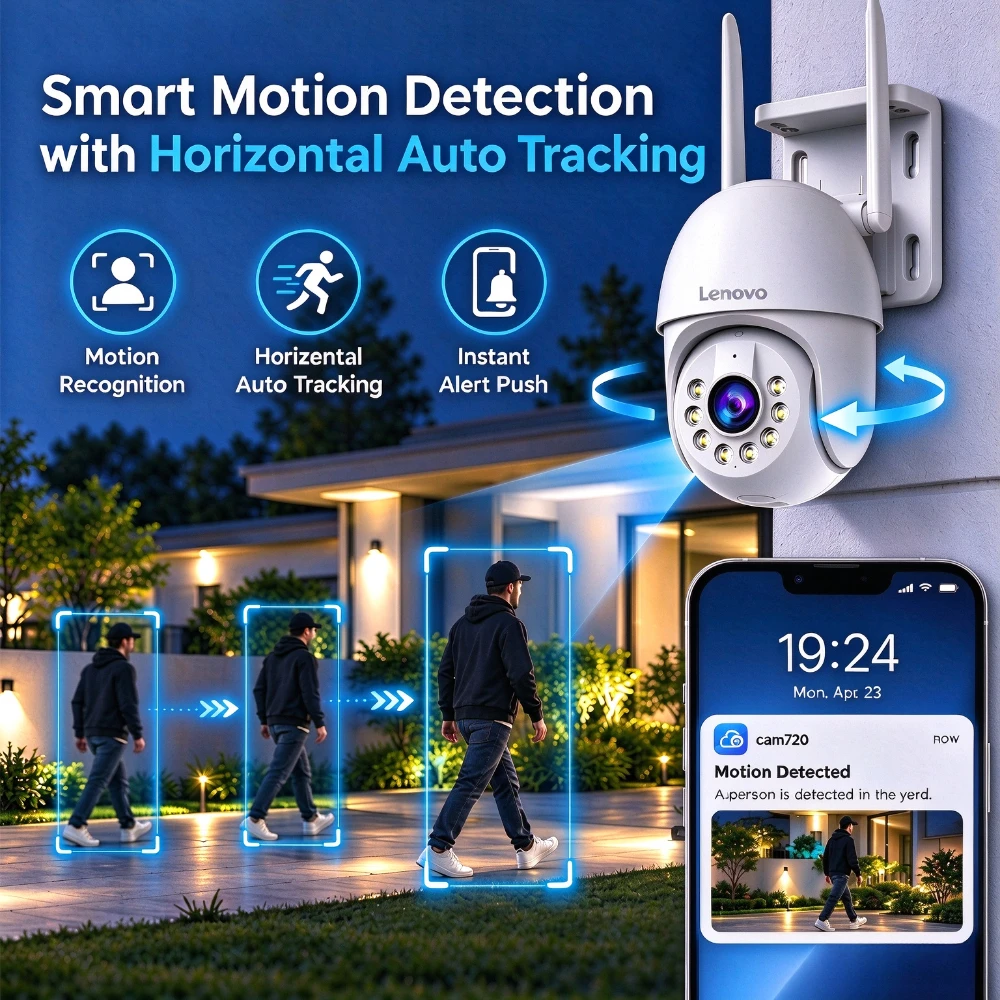
●Motion Detection: Supported
●Automatic Tracking: Horizontal Auto Tracking
●Alerts: App Push Notifications
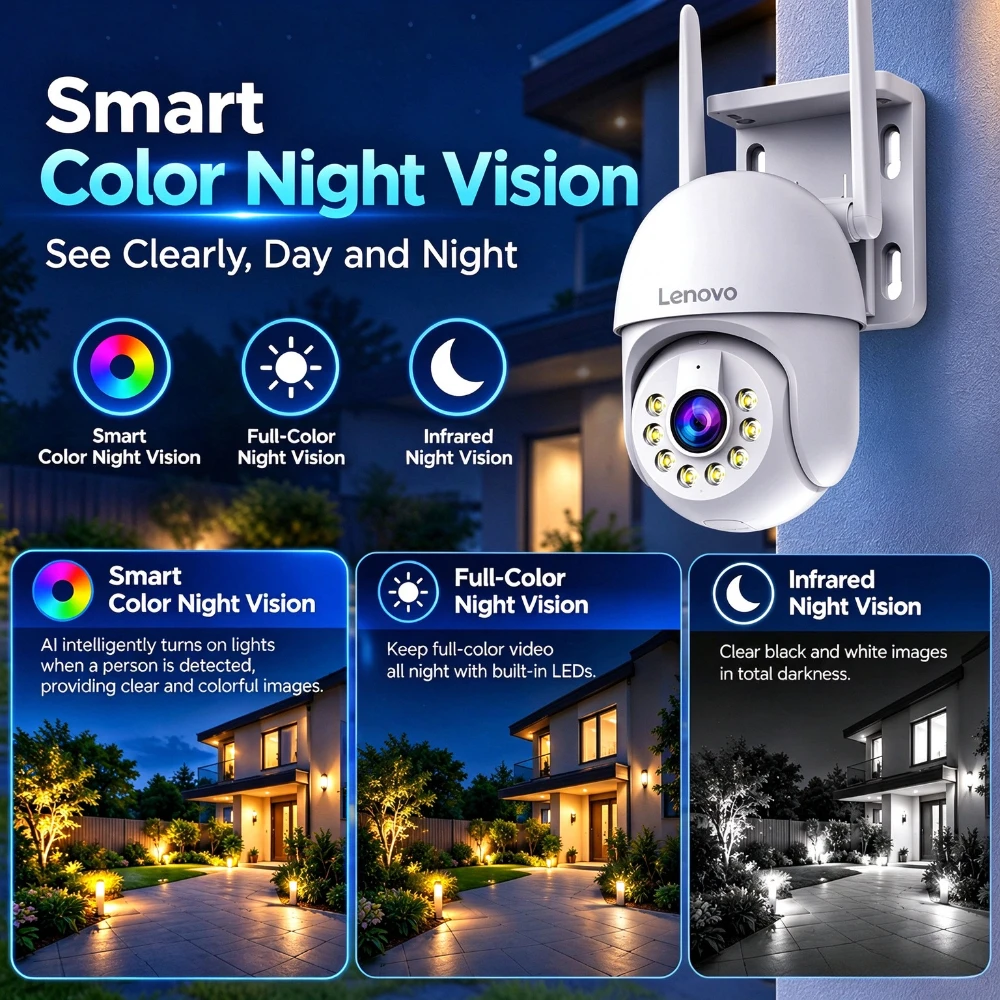
●Night Vision: Smart Color, Infrared, Full-Color Modes
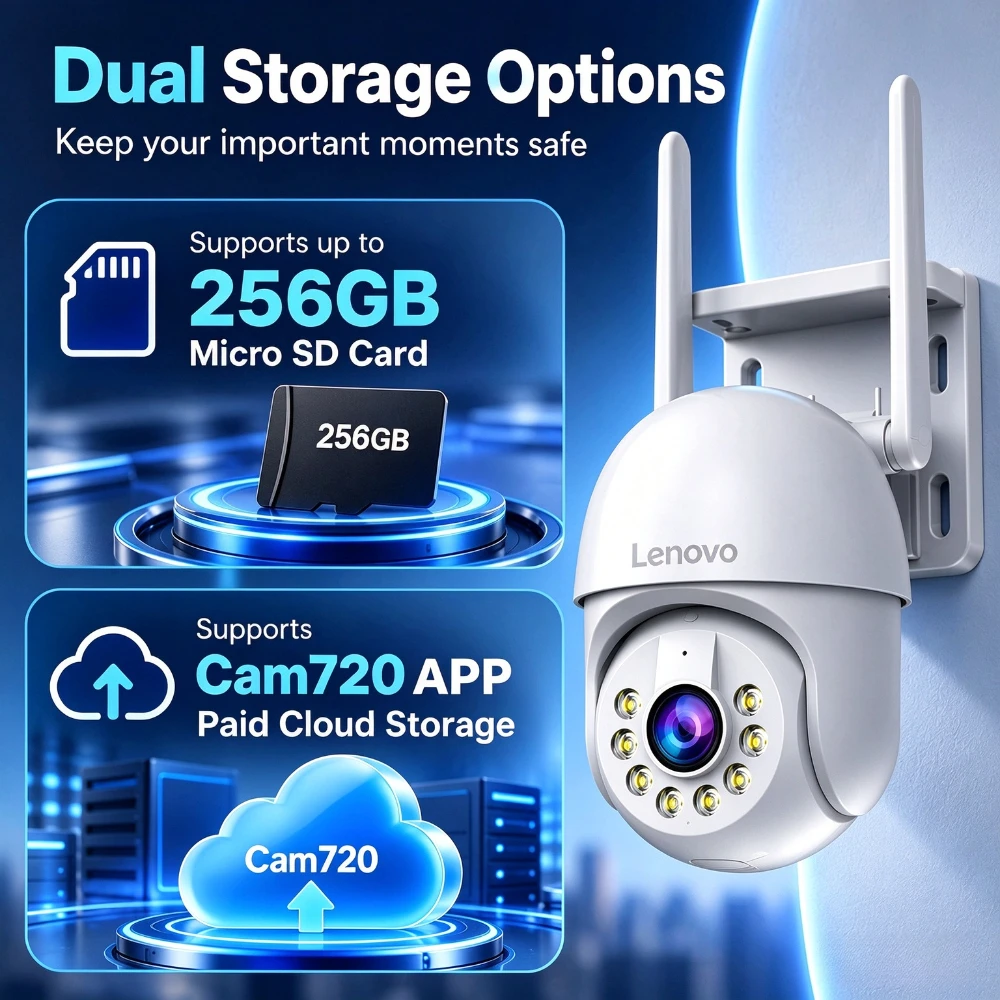
●Local Storage: Up to 256GB Memory Card
●Cloud Storage: Optional Paid Subscription
●Weather Protection: IP66
●Multi-User Sharing: Up to 5 Users
●Multi-Camera Viewing: Up to 4 Feeds Simultaneously
5MP High-Resolution Monitoring
Capture clear surveillance footage with 5MP image resolution. Monitor important areas around your home, garden, driveway, garage, or other outdoor spaces.
355° Pan & 90° Tilt – Wide-Area Coverage
Monitor different areas with one adjustable camera.Reduce blind spots and conveniently check different viewing angles from your smartphone.
Intelligent Motion Detection & Auto Tracking
Quickly finds moving targets and immediately sends a notification to your phone, letting you see what happens anywhere. Enable auto tracking function, it will automatically captured track the moving objects.
Three Night Vision Modes
The smart IR-Cut filter switches automatically between day and night toreduce color cast in day time and enhance image brightness. at night making sureyou can get vivid surveillance footage from dawn to dark.
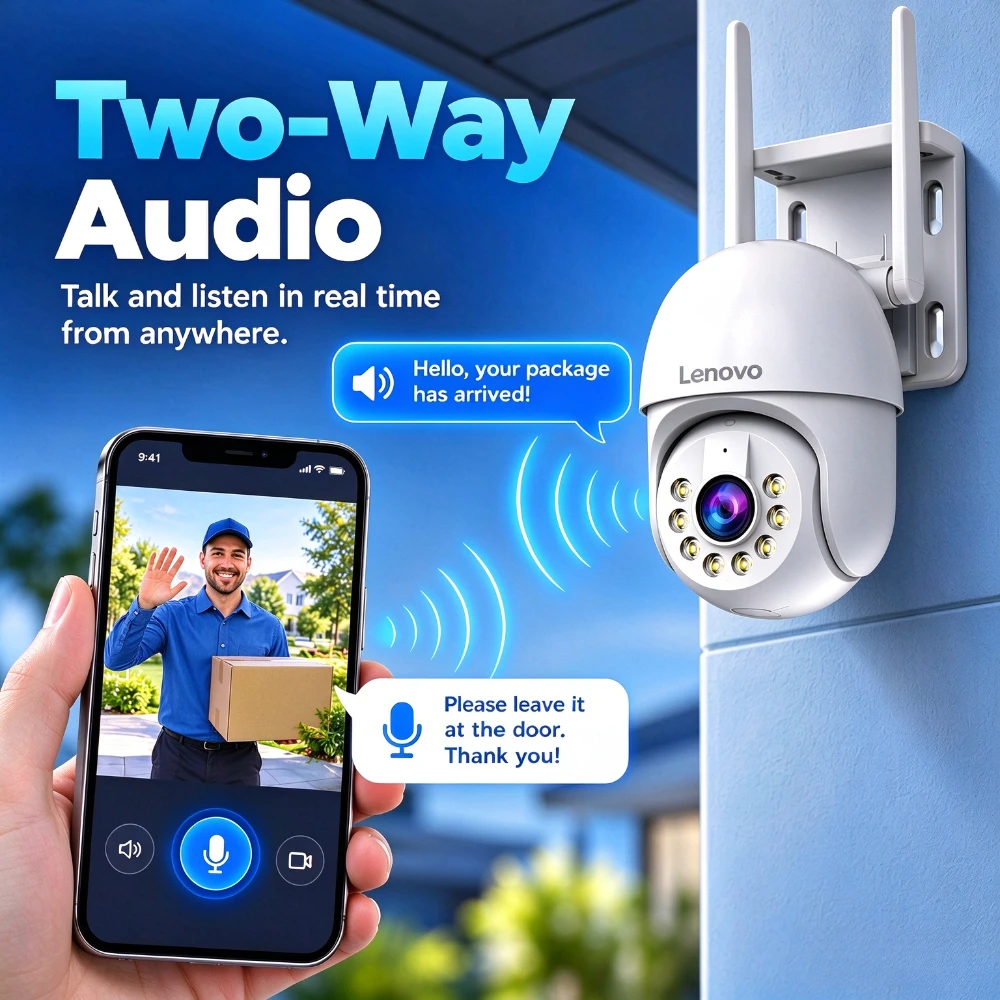
Two-Way Audio – Listen and Talk Remotely
you can listen to sounds around the camera and speak remotely through the app.Communicate with visitors or help deter unwanted visitors with a remote voice warning.
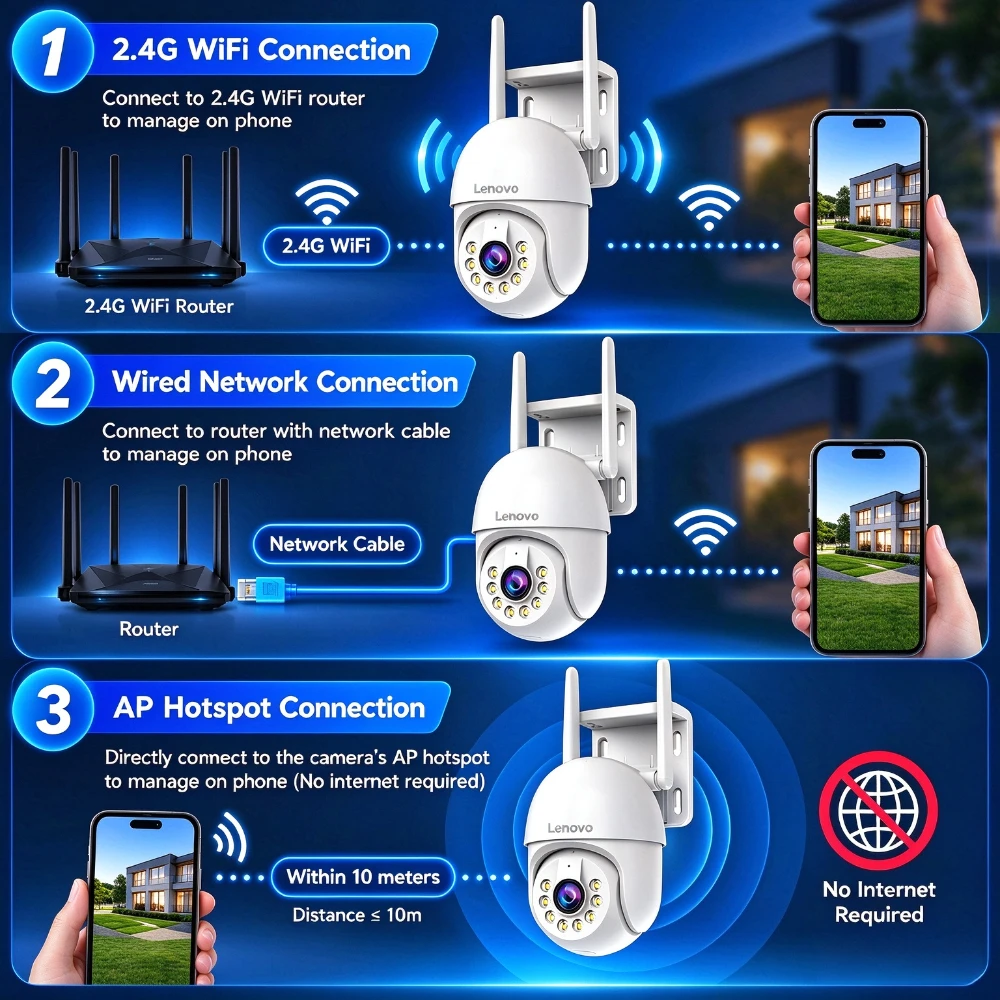
Three Flexible Connection Options
-2.4GHz WiFi Connection:Connect the camera to a compatible 2.4GHz WiFi network for convenient wireless monitoring.
-Wired Network Connection:Use a network cable for a wired network connection where available.
-AP Hotspot Connection:Connect your smartphone directly to the camera's AP hotspot for supported local access and setup without a router or internet connection.(AP hotspot mode is intended for supported local access. Remote viewing, push notifications, and cloud services generally require an internet connection.)
Flexible Storage – Up to 256GB or Cloud Storage
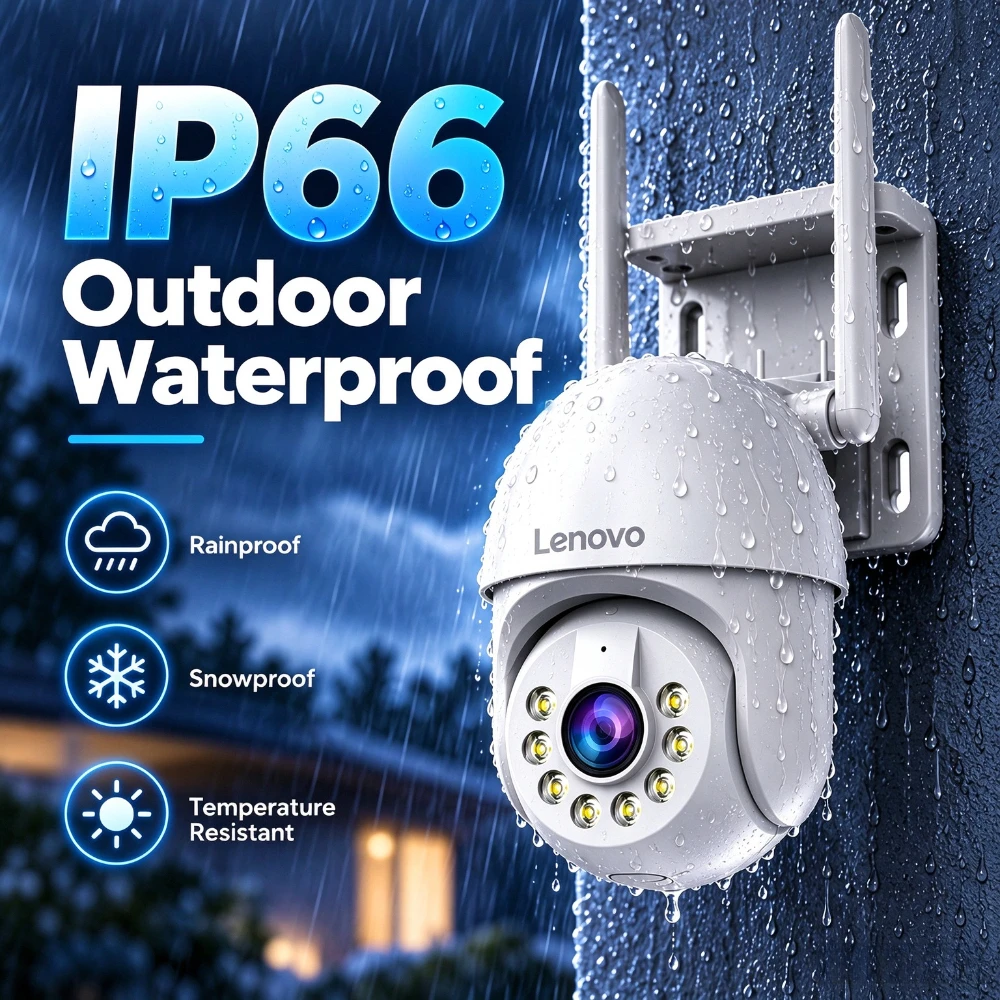
IP66 Weather Resistance for Outdoor Use
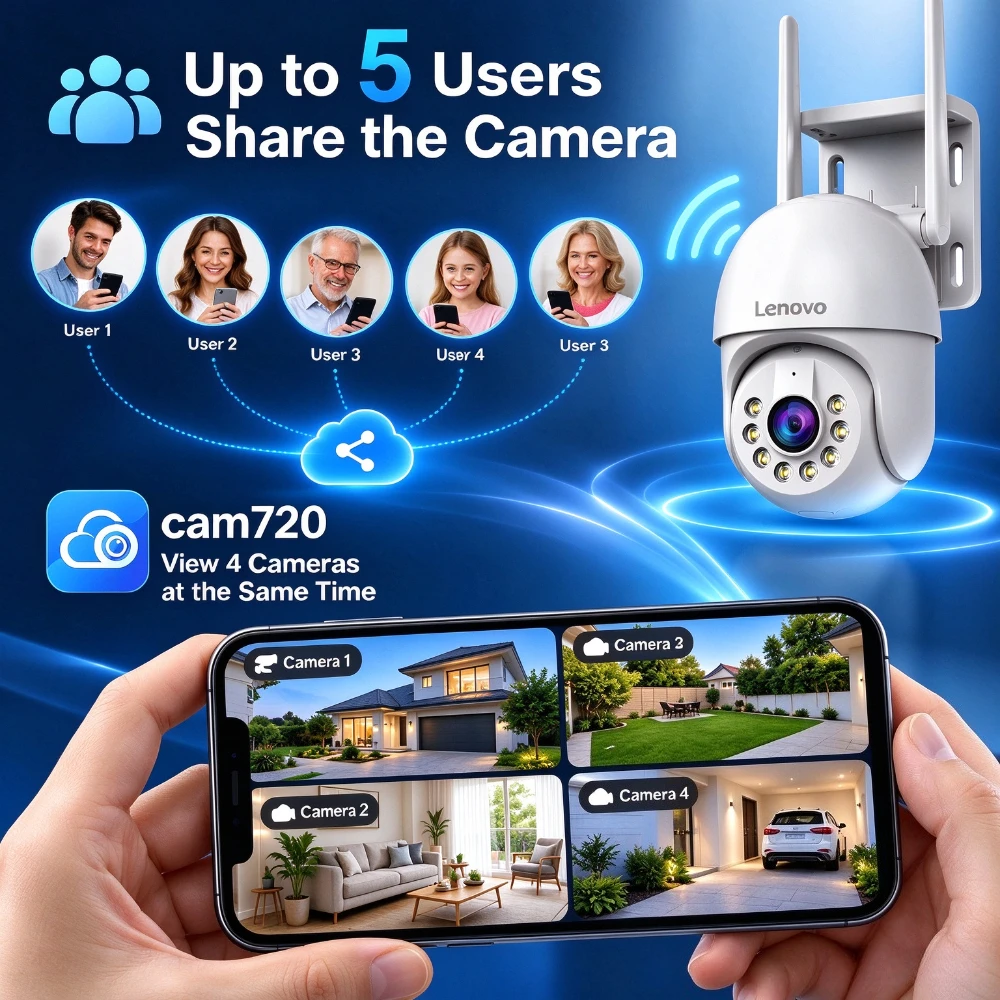
Cam720 App-Multi-user Sharing & Multi-screen Monitoring
Share camera access with up to 5 users through the supported app-sharing function.
Manage multiple cameras through the Cam720 app.View up to 4 camera feeds simultaneously on one screen.Switch between cameras to check different areas.
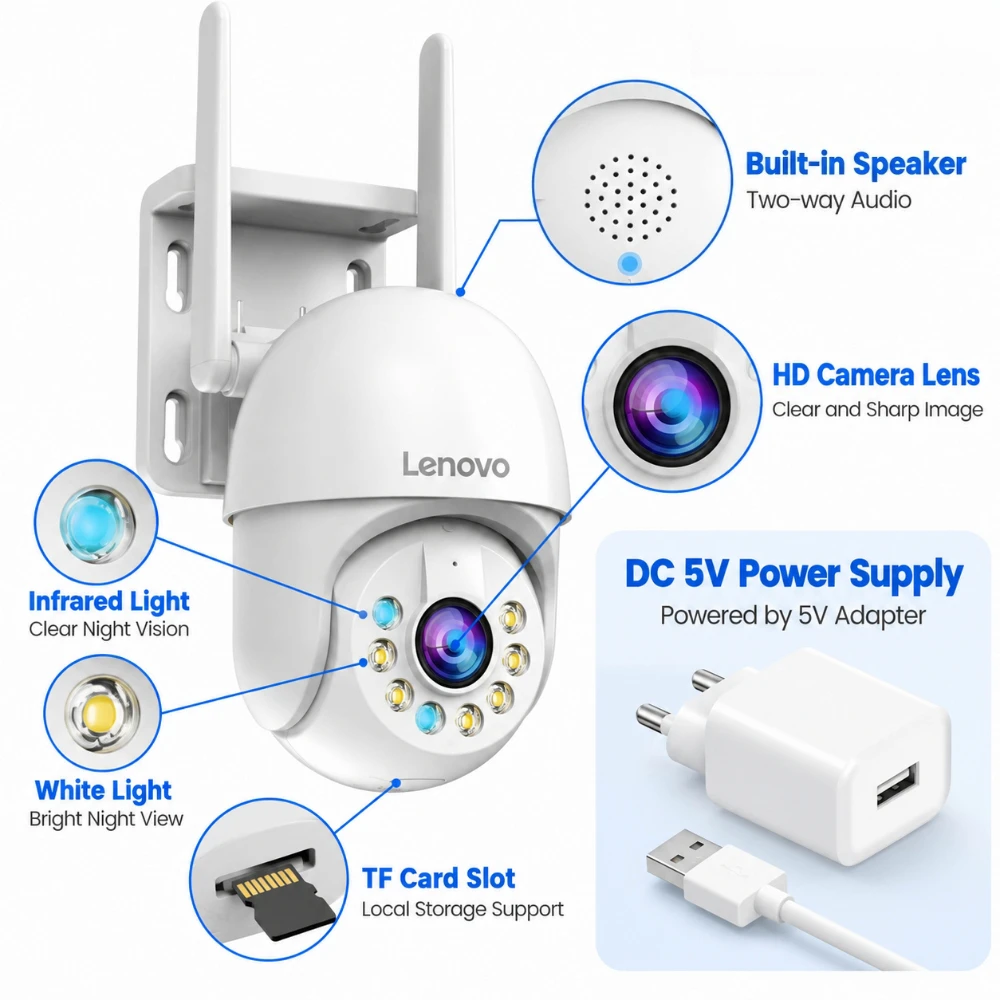
What's Included
1 × PTZ Camera
1× power charger
1 × User Manual
1 × Screws Bag
Q: Can I watch the camera remotely when I am away from home?
A: Yes. After the camera connects to your 2.4GHz home WiFi, you can view real‑time live stream remotely anywhere via cam720 APP, as long as your phone has internet access (4G/5G/Wi‑Fi).
Q: Why remote view is laggy or often offline?
A: Lag or offline is mostly caused by weak home WiFi signal, unstable home internet or router overload. Please make sure camera is close to router, connect to 2.4GHz WiFi, reboot camera and router if disconnection happens.
Q: Can I record videos without buying cloud subscription?
A: Yes. Insert a formatted Micro‑SD card, you can realize local recording, playback without paying any cloud service fee. Cloud storage is an optional paid subscription service inside cam720 APP, not mandatory.
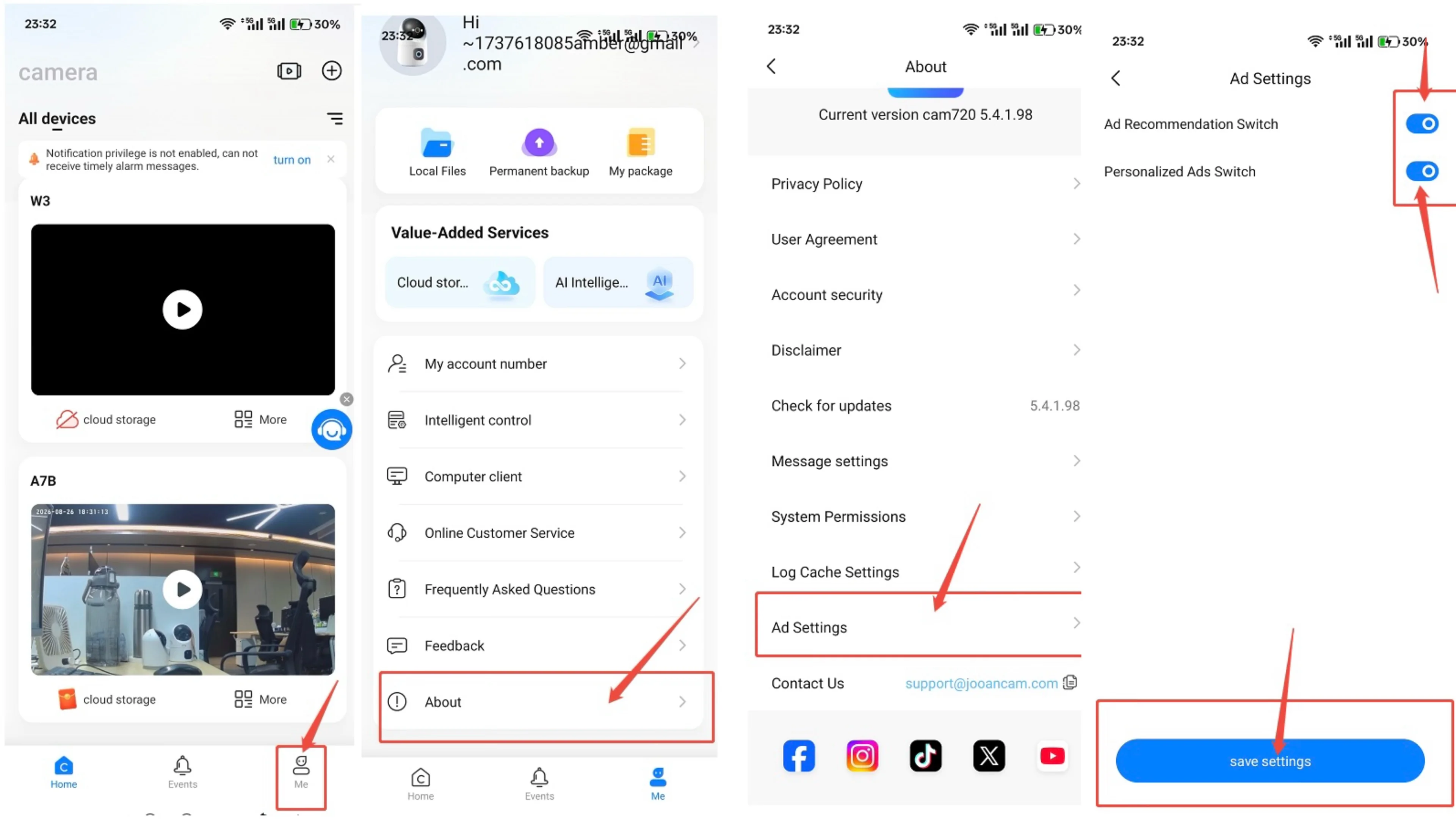
Q: Are there ads inside the cam720 APP? Can I turn off ads completely?
A: As ad revenue can help us sustain quality service.APP only shows ads once a day, you can click the right upper conner "skip" button to skip the ads,and the ads can be turn off, please go to "about" ---"Ad Recommendation Settings", then click " Turn off advertisement recommendation".
Q: Does the buzzing noise mean my camera is defective?
A: Not all noise means hardware failure. It is usually caused by surrounding environment noise, WiFi signal interference or microphone sensitivity. Please keep the camera away from high‑voltage power adapters, routers,adjust the intercom distance and other electronic devices.If the problem still exists, please contact us via store message for further support.